EmailVerify for Discord
#1 Email
Verification
on DiscordSINCE 2021
Verify that the people in your server actually own the email address they claim to. A user enters their email, gets a 6-digit code, types it back, and a role is assigned. That's it. Built for university servers, employee groups, and any closed community where you want to know who's joining.
See it in 60 seconds
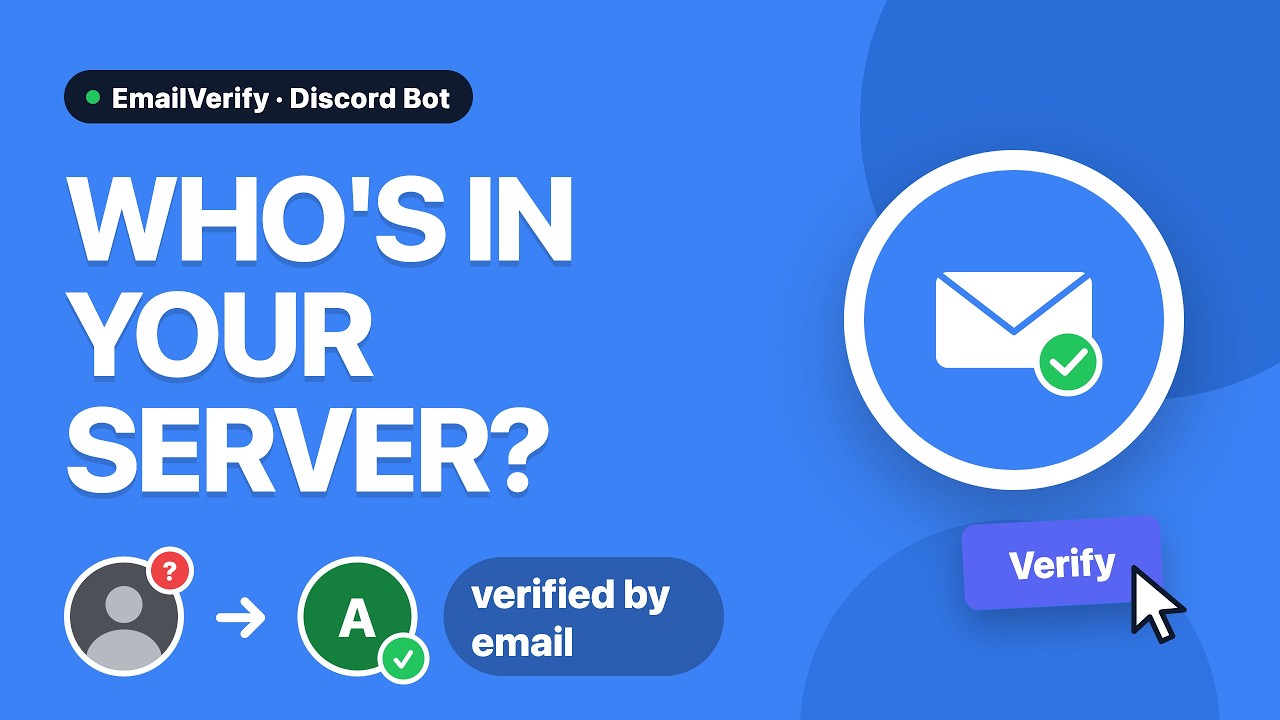
Prefer to read? The quick start guide covers the same three steps.
Live numbers
Who it's for
-
Universities & schools
Gate a course, faculty or society server behind
@*.eduor your own institution's domain, and split students from staff automatically. -
Companies & teams
Restrict an internal or partner server to people with a working company mailbox, with an audit trail of who verified and when.
-
Courses, events & hackathons
Upload a CSV of registrants or paying students and let only those exact addresses through — no domain in common required.
What it does
-
Verify by email code
The user enters their address, the bot sends a 6-digit code, the user types it back. No external account, no OAuth, no extra steps.
-
Restrict by domain
Allow
@*.edu,@yourcompany.com, exact addresses, or any combination. Wildcards supported. Default is "any valid email" so small servers don't need to configure anything. -
Domain-specific roles
@students.uni.edugets the Student role,@staff.uni.edugets the Staff role, everyone gets a default Verified role. As granular as you need. -
CSV allowlist (Pro)
Upload a CSV of specific addresses for invite-only servers. Hashed at rest, so even you can't read them back.
-
Quota reminders
Like a phone plan: warnings at 80%, 95%, and 100% of your monthly send limit — with a run-out forecast and a count of members turned away once it's hit. Sent to whoever you want — owner DM, channel, or specific admin.
-
Privacy-first storage
Email addresses are stored only as cryptographic hashes. The plaintext exists only at the moment of sending the verification code. GDPR-compliant.
How setup works
Invite the bot and run /setup.
A three-step wizard walks you through the verified role, the allowed domains, and the channel the verification button lives in.
Check delivery with /testmail.
Sends a real verification mail to an address you pick, so you find out about a spam-folder problem before your members do.
Post the button with /button.
Members click it, verify, and get their role. Nothing else for you to run.
Full quick start → All commands →
Free for almost everyone
Every server gets 25 verification emails per month, no setup needed. Looking at usage stats from the past few months, about 95% of servers send 25 or fewer per month — so for nearly everyone reading this, the bot keeps working completely free.
If you do hit the limit, you'll get warnings at 80% and 95% before sending pauses. From there, credit packs or a subscription takes over.
See pricing → How it compares to other bots →
Built for transparency
This is a single-developer project that has been running on personal infrastructure for the past five years. The source code stays open under AGPL-3.0 — fork it, audit it, self-host it. Premium routes through Zoho ZeptoMail (EU servers, GDPR-friendly) for paying servers; free-tier mail keeps using the operator's own SMTP.
Common questions
How does email verification on Discord actually work?
The member clicks a button in your server and types their email address into a popup. The bot sends a 6-digit code to that address; entering the code back in Discord proves they control the mailbox, and the configured role is assigned. There is no external account to create and no OAuth consent screen.
Can I restrict my Discord server to university students?
Yes. Add @*.edu to accept any US university address, or a specific domain like @students.uni-example.de. You can map several domains to several roles, so staff and students end up separated automatically. See the university guide.
Does the bot store email addresses?
Only as cryptographic hashes. The plaintext exists just long enough to send the code — it is never written to disk. A database compromise cannot reveal your members' addresses.
Can I self-host it?
Yes, it's AGPL-3.0 with a prebuilt Docker image. Bring your own SMTP credentials and the quota system doesn't apply. Instructions are in the repository README.
What if a member never receives the code?
The "Code Sent" message has a Resend code button with a 60-second cooldown. If mail is landing in spam for everyone, run /testmail — most of the time it's a filter on the recipient's side, and paid plans route through Zoho ZeptoMail for noticeably better inbox placement.
Built with